Every agent. One workspace.
Run Claude Code, Codex, Gemini, Aider, and shell side-by-side in named, persistent workspaces. Switch projects in one click without losing context.
Run Claude Code, Codex, Gemini, Aider, and shell side-by-side in named, persistent workspaces. Switch projects in one click without losing context.
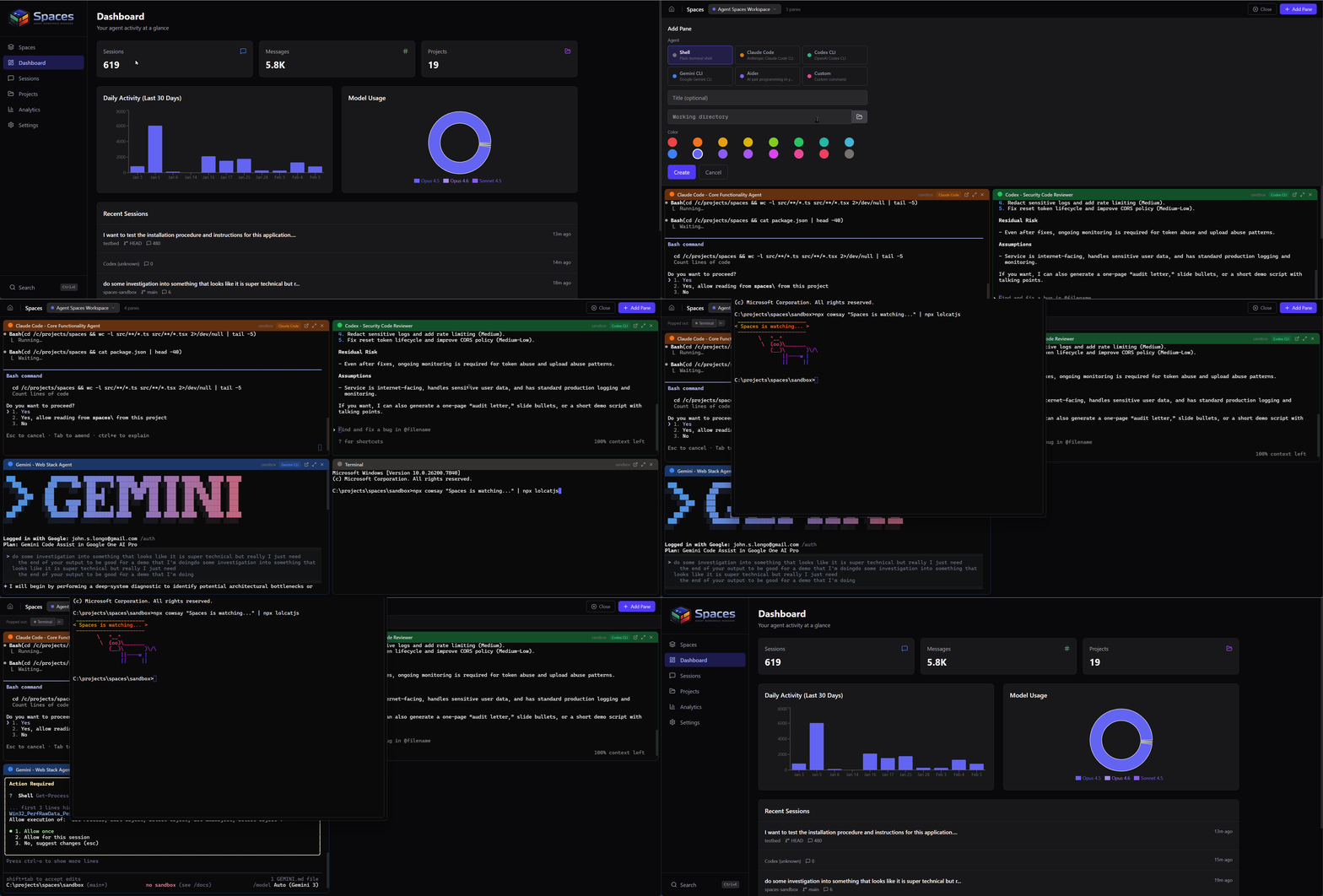
Not another terminal emulator. Spaces is designed around the workflow of developers who use AI agents as their primary tools.
Run multiple agents and shells in a tiled layout. Auto-sizing grid adapts from 1 to 6+ panes.
Terminals survive page refreshes and reconnects. Buffered output replays instantly when you come back.
Save and name pane layouts per project. Switch contexts in one click without losing anything.
Detach any pane to its own window. Pop it back in when done. Position and size are remembered.
Run Spaces on your desktop, a shared server, or federate across multiple instances.
Run Spaces locally at localhost:3457. No accounts, no cloud, no telemetry. Works on macOS, Linux, and Windows.
Single container with nginx and the terminal server. Add Traefik labels for HTTPS, mount your project directories, and you're live.
Connect multiple Spaces servers into a single view. Browse sessions across nodes and open remote terminals from one browser.
Link Spaces instances across your network. Browse sessions, open terminals, and search across every node from one browser.
Search and browse sessions from every connected node in one list. Results merge automatically, sorted by recency. Filter by agent type, project, or node.
Open a terminal on any connected node directly from your browser. WebSocket proxying handles the connection transparently. No SSH config needed.
Spaces instances on the same network find each other via mDNS. Add remote nodes by URL and API key. Each node tracks health status automatically.
Connect your infrastructure into a single agent mesh.
A touch-optimized workspace that puts every running session at your fingertips. Check output, switch panes, and dictate to your agents with built-in voice input.
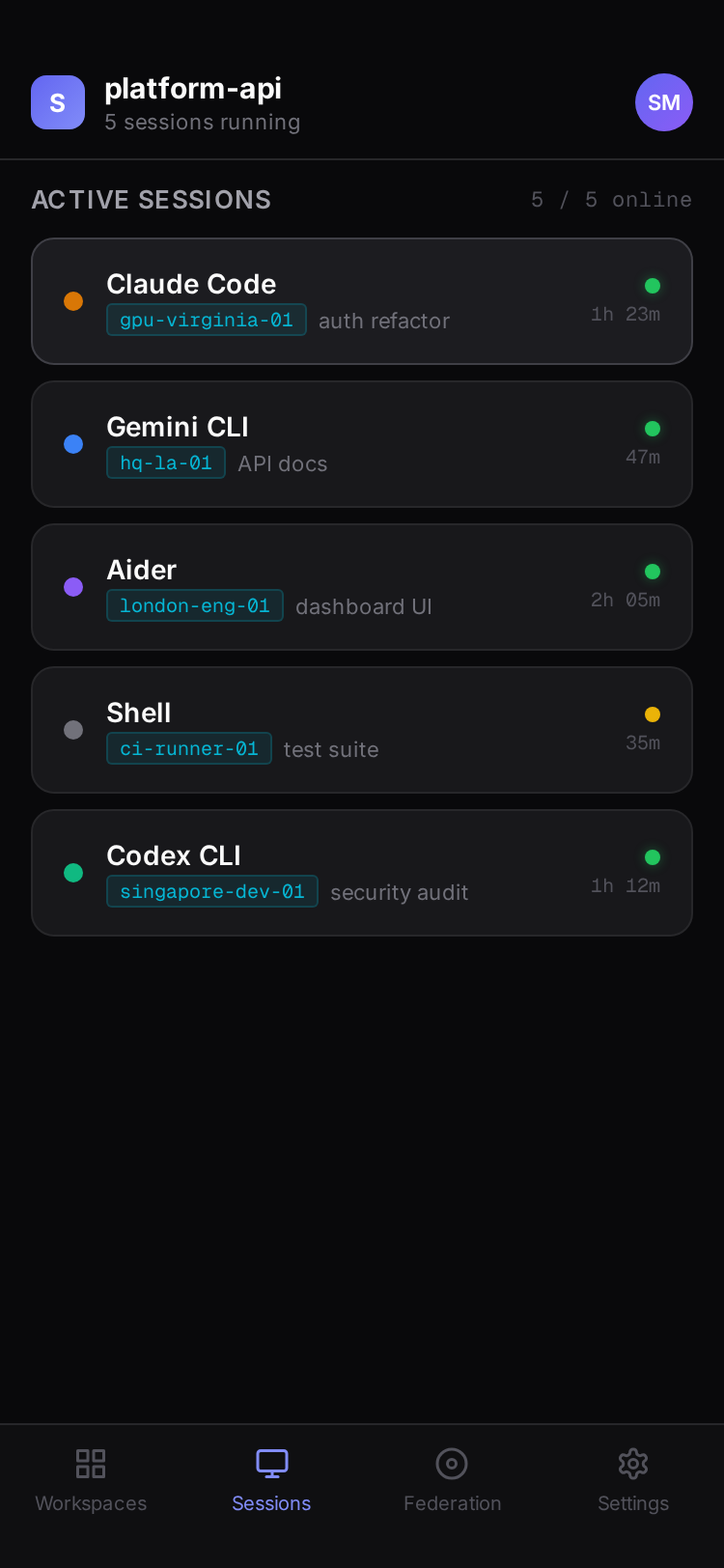
All agents at a glance
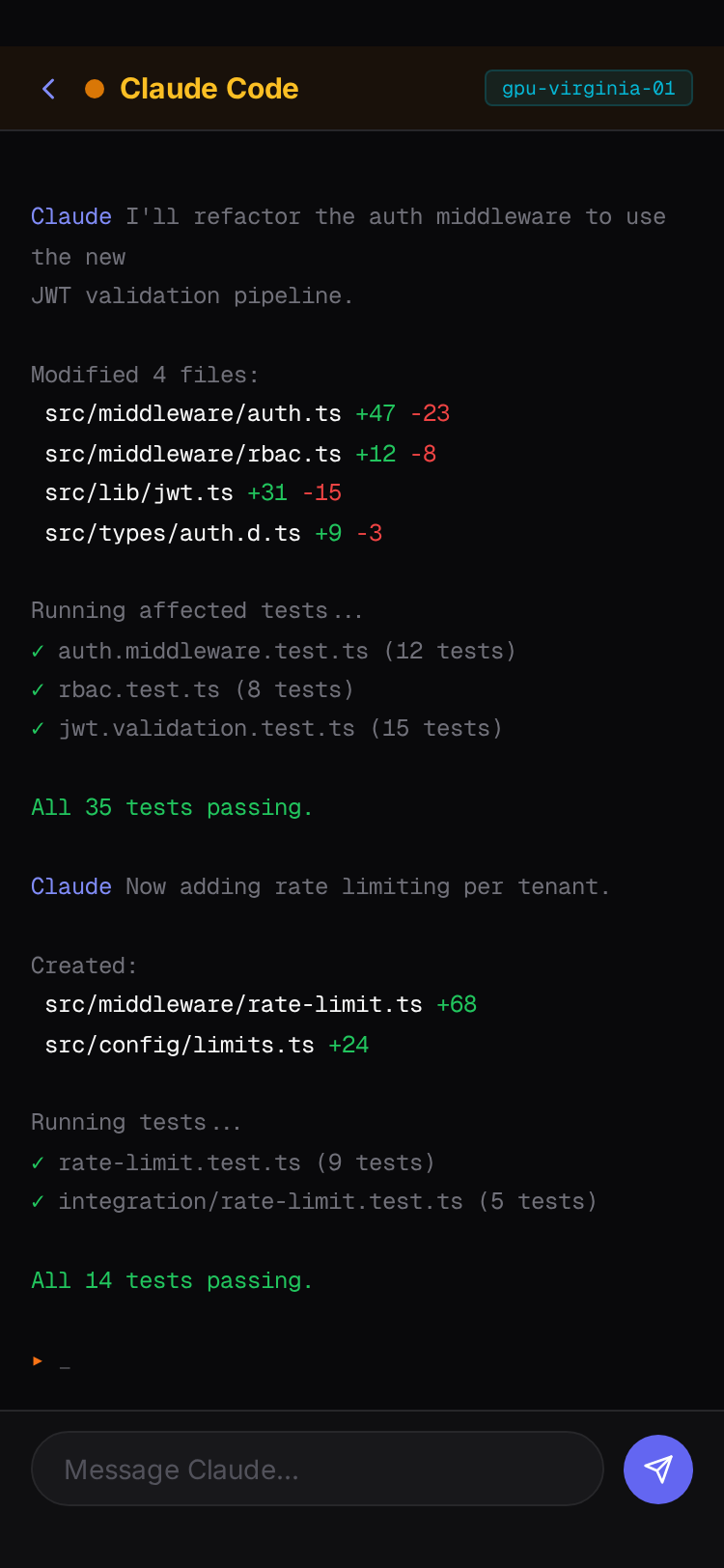
Full terminal, touch controls
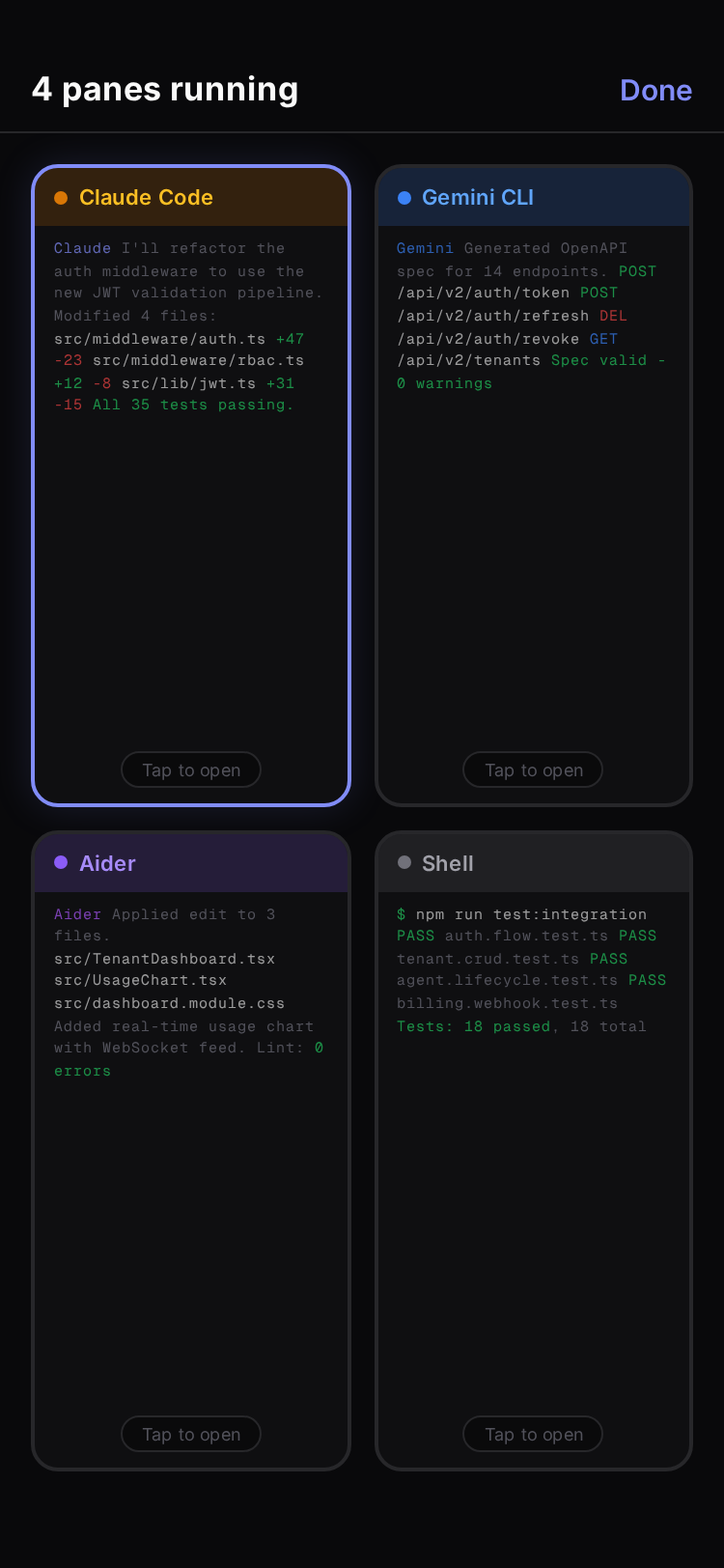
Preview all at once
From solo consultants to platform engineering teams — Spaces adapts to how your organization works.
Deploy on client hardware. Isolated credentials, auditable sessions, zero data leakage.
Standard AI development environment with per-user isolation, 2FA, and admin monitoring.
Multi-tenant workspaces. Separate credentials, Git configs, and session history per client.
One command. No cloning, no building.
npm install -g @jlongo78/agent-spaces
Start the server. Opens your browser automatically.
spaces
Add panes, pick your agents, and start building.
http://localhost:3457
One install, one command, and your first multi-agent workspace is running.